Welcome to the Smartphone Filmmaking Basics course! 🥳 We want to train you in practical skills you can easily implement in your ministry or in your creative work for God’s glory. All you’ll need to take this course is the smartphone in your pocket!
We want to produce media that is…
SIMPLE
AFFORDABLE
REPRODUCIBLE
MULTILINGUAL
Course Syllabus
You’ll create two videos in this course. The first is a documentary based on a real-life testimony or topic. The second is a fictional narrative film that explores a Biblical topic or cultural issue.
The course is divided into 7 sections. We recommend that you take the course in the order we’ve provided.
Section 1
Know Your Audience
We’ll look at how Jesus and Paul spoke to different audiences in the New Testament. You’ll get a chance think about your audience for the two videos you are about to produce.
Section 2
Documentary Writing
Watch some documentary examples and discuss how they are structured. You’ll have an activity where you write a basic outline for your documentary video.
Section 3
Documentary Filming
Practical lessons on framing an interview and shooting good b-roll with your smartphone. We’ll take a look at lighting, audio, microphones, and more!
Section 4
CapCut Editing
Learn CapCut, a powerful free smartphone video editing app. Topics include adding text, video overlays, voice overs, music, graphics, subtitles, and much more.
Section 5
Other Apps
Learn how to share files from phone to phone, move files around on your phone, and shoot with external microphones. We’ll also look at some dedicated shooting apps.
Section 6
Narrative Film
Write and produce your own short drama. Learn about basic story structure and how you can write a fictional story that connects with your audience.
Section 7
Distribution
Learn practical strategies for distributing your film and hear some real-life media strategies from people in the field. We’ll also learn how to analyze the impact of the video we create.
Things You’ll Need
All you really need for this course is a smartphone! Here are a few other considerations…
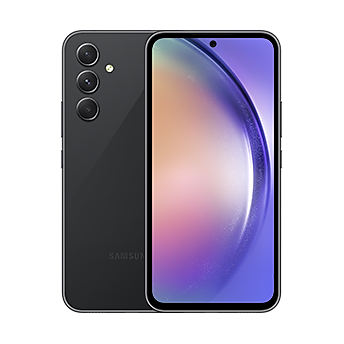
A Smartphone
We recommend using the best phone available to you. Android and iPhones are welcome though we will be focusing on Android devices.
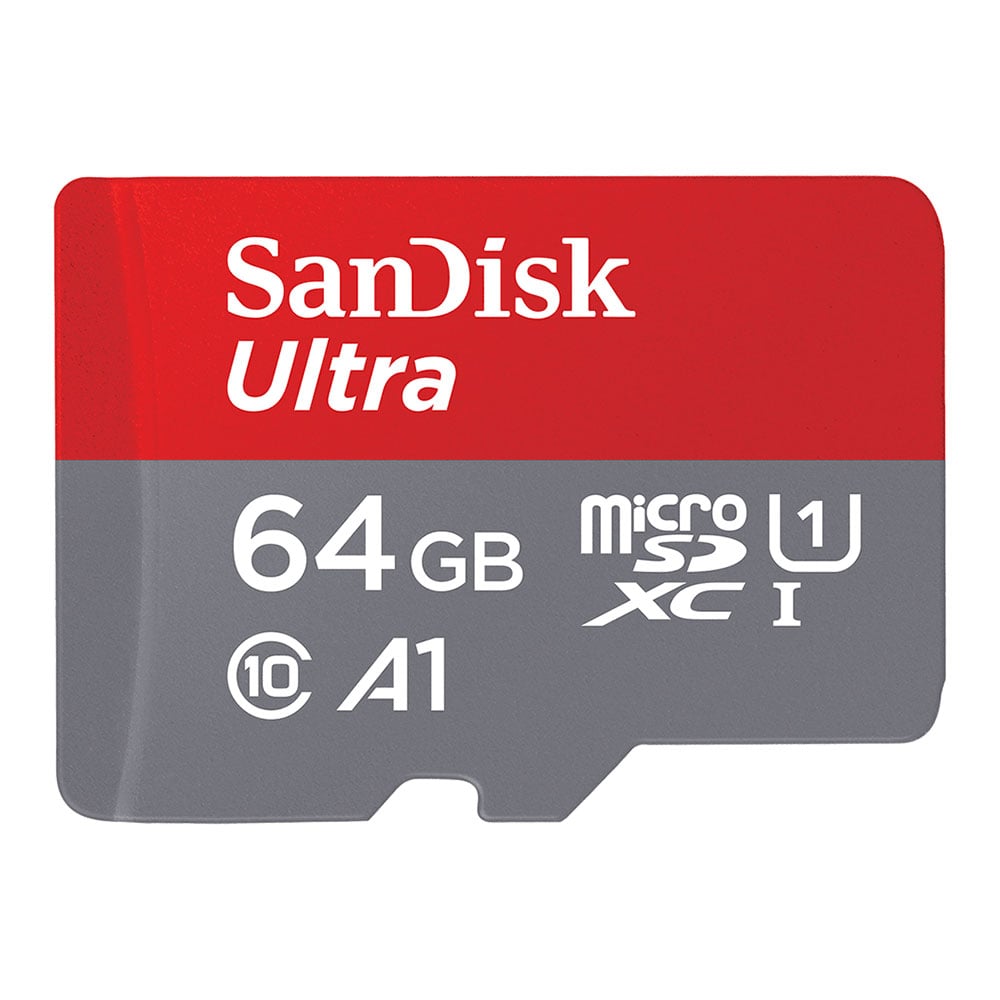
5 to 10 GB of Space
We recommend having 5 to 10 GB of space available for videos on your phone.
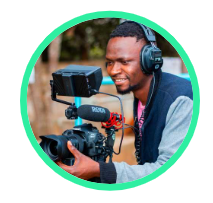
Teammates
The activities in this course are designed for group discussion and participation. So we recommend recruiting one or two people to take this training with you.
Apps We’ll Use
The main application you need for this training is CapCut. You’ll also need SHAREit if you are working as a team and want to transfer footage to each other. We’ll discuss a few other applications in Section 5 “Other Apps”.














 Google